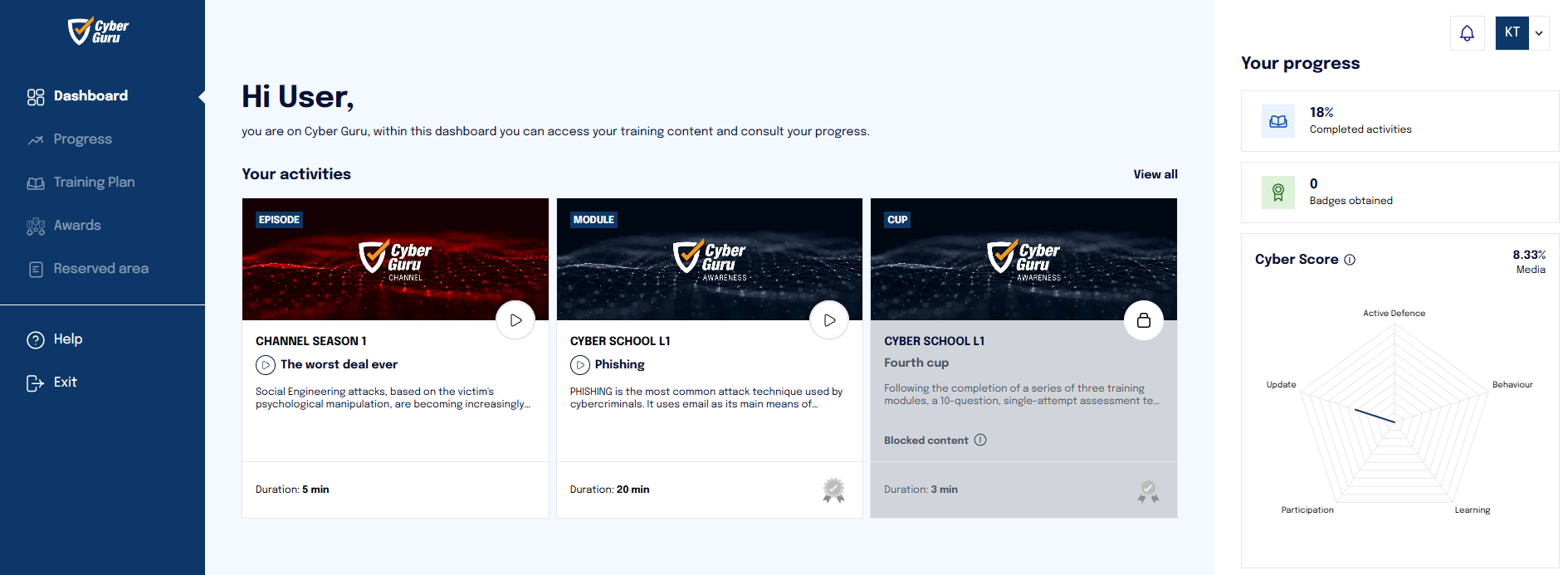
Within the "Company Management > Setup > Options" section, there's an area dedicated to configuring gamification settings.
These options allow you to control the visibility and behavior of gamification elements on the platform.
This feature is accessible only to users with an MSP role or higher.
If the checkbox “Hide gamification for company students” is selected, the following rules will apply:
-
All charts and widgets related to accumulated points will be hidden from students.
-
Leaderboards will not be visible to students.
-
Students will continue to accumulate points based on test results, even if they can't view them.
-
Supervisors will still be able to view the leaderboards.
If the checkbox “Disable Gamification for the company” is selected, broader restrictions will apply:
-
Even supervisors will no longer have access to the leaderboards.
-
All gamification elements, for both students and supervisors, will be completely disabled at the display level.